How to teach Creativity using an online game
A bite-sized educational game that teaches art and design students practical creativity techniques through playful, hands-on interaction — not lectures.
"Be more creative" is not actionable feedback
In early design courses, students often freeze at the blank page, copy references without transforming them, or struggle to explain why an image "means" something. Traditional lectures explain theory — semiotics, SCAMPER, visual metaphor — but students need a hands-on system they can reuse in every studio project.
Most students want to be creative. They just don't know where to start. "Be more creative" isn't a strategy. It's a wish. So I built a short game that teaches them how to see differently, decode meaning, and transform visuals using practical creativity tools.
How do we teach creativity as a repeatable process — not a mystery or a talent you either have or don't?
Create a playful learning experience
I wanted students to leave with a new meaningful image, not just notes. Success looked like: "Students can move from object → multiple transformed concepts → one meaningful visual direction."
The learning objectives were:
- Shift perception (because meaning depends on interpretation)
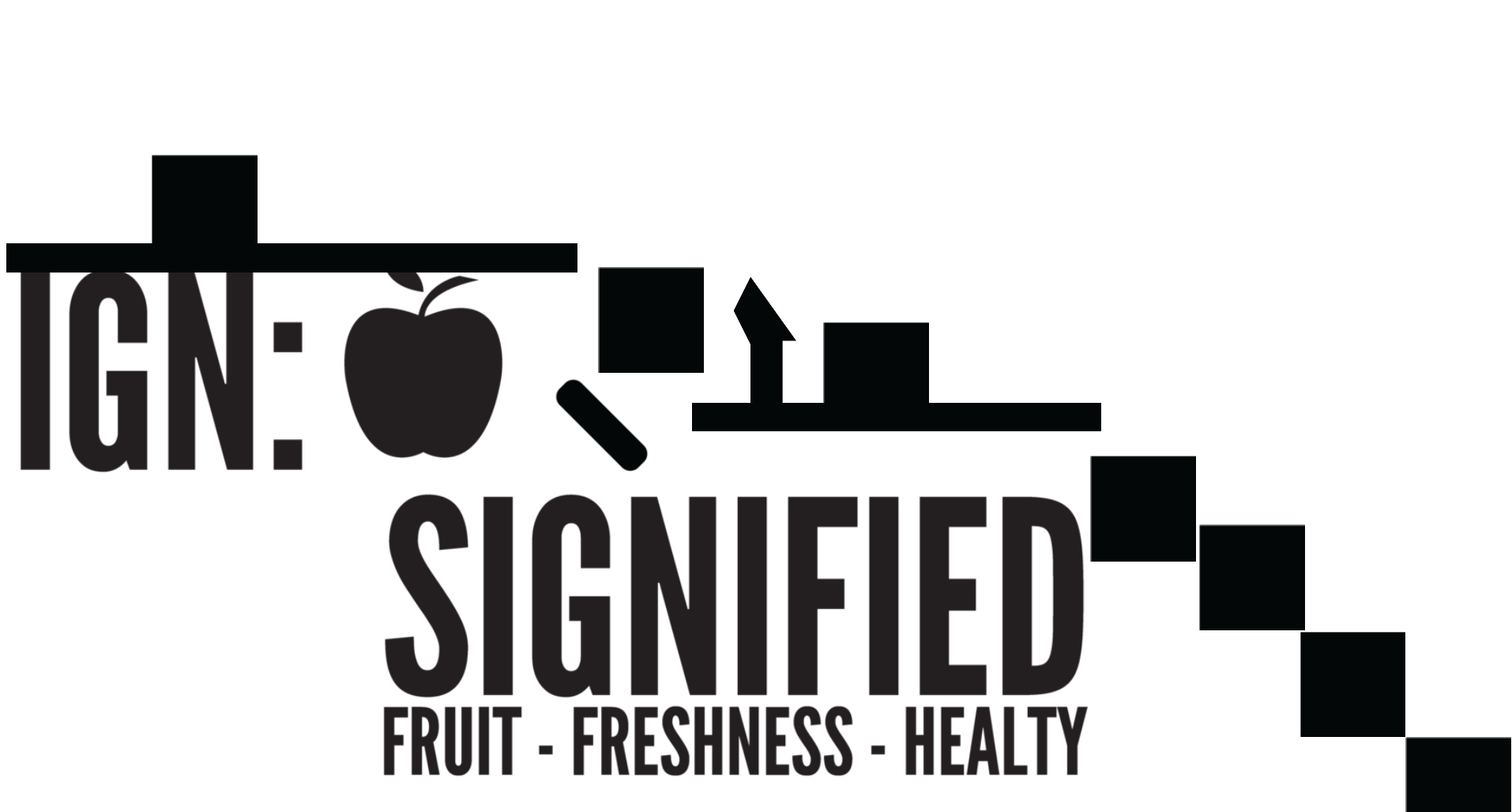
- Read images using basic semiotics (signifier/signified, denotation/connotation)
- Generate variations quickly using SCAMPER + transformation verbs
- Leave with a repeatable framework they can use in future projects
Constraints (aka "the fun limits"): Short timeline (built fast to be classroom-ready), one-level experience (tight scope, strong learning arc), low-friction controls (simple UI, clear instructions), and it had to teach theory without feeling like homework.
Who's playing — and why
Primary users: First and second-year Art & Design students learning "meaning-making" — learners who benefit from doing, not just listening.
Secondary users: Instructors who want a repeatable classroom tool for creative ideation. The game needed to be plug-and-play — no setup friction, no dependency on me being in the room.
A stage-based "creativity workout" disguised as a game
The game runs as a guided journey with voice-over support and visual prompts. It's structured like a fitness app for your creativity muscles — each stage builds on the last, and you can see your progress in real time.





The three transformation verbs
These aren't abstract concepts. They're actionable verbs students can apply to any visual problem. The game gives them practice in a safe, low-stakes environment before they apply the same framework to their actual studio work.

What happened after launch
- Piloted as a classroom tool in a meaning-making course/workshop format
- Students used the framework to transform an object/shape into a new, meaningful image direction
- The project opened doors for presenting the idea as a creative learning approach — led to conference invitations after adapting the process into gameplay
The most rewarding part wasn't the technical execution — it was watching students get it. That moment when they realize creativity isn't magic, it's a process they can repeat. One student told me: "I always thought I wasn't creative. Now I know I just didn't have the tools."
What I learned
CHECK OUT THE INTERVIEW
What I'd build next: Multi-level progression (basic → intermediate → advanced techniques), student portfolios that save their transformations, peer review mode where students critique each other's work using the same vocabulary, and integration with actual design tools so the framework extends beyond the game into their real workflow.